Popular vr machine supplier specialize in manufacturing arcade game simulator for 13+ years- SKYFUN



6 Key Performance Metrics for VR Game Testing
As virtual reality (VR) technology continues to advance rapidly, more and more consumers are becoming interested in the performance and experience of VR products. As a VR product manufacturer, we have a responsibility to educate the public about the key performance indicators used in testing VR games and their importance. In this article, we will explore the critical metrics that need to be considered in the performance testing of VR games, helping users better understand this fascinating field.
The Importance of Performance Testing in VR Games
VR games have much stricter hardware requirements compared to traditional games. This is due to the need for real-time rendering of high-quality 3D graphics and extremely low latency to prevent users from experiencing motion sickness. Therefore, comprehensive performance testing is essential to ensure that VR games run smoothly and provide a high-quality user experience.
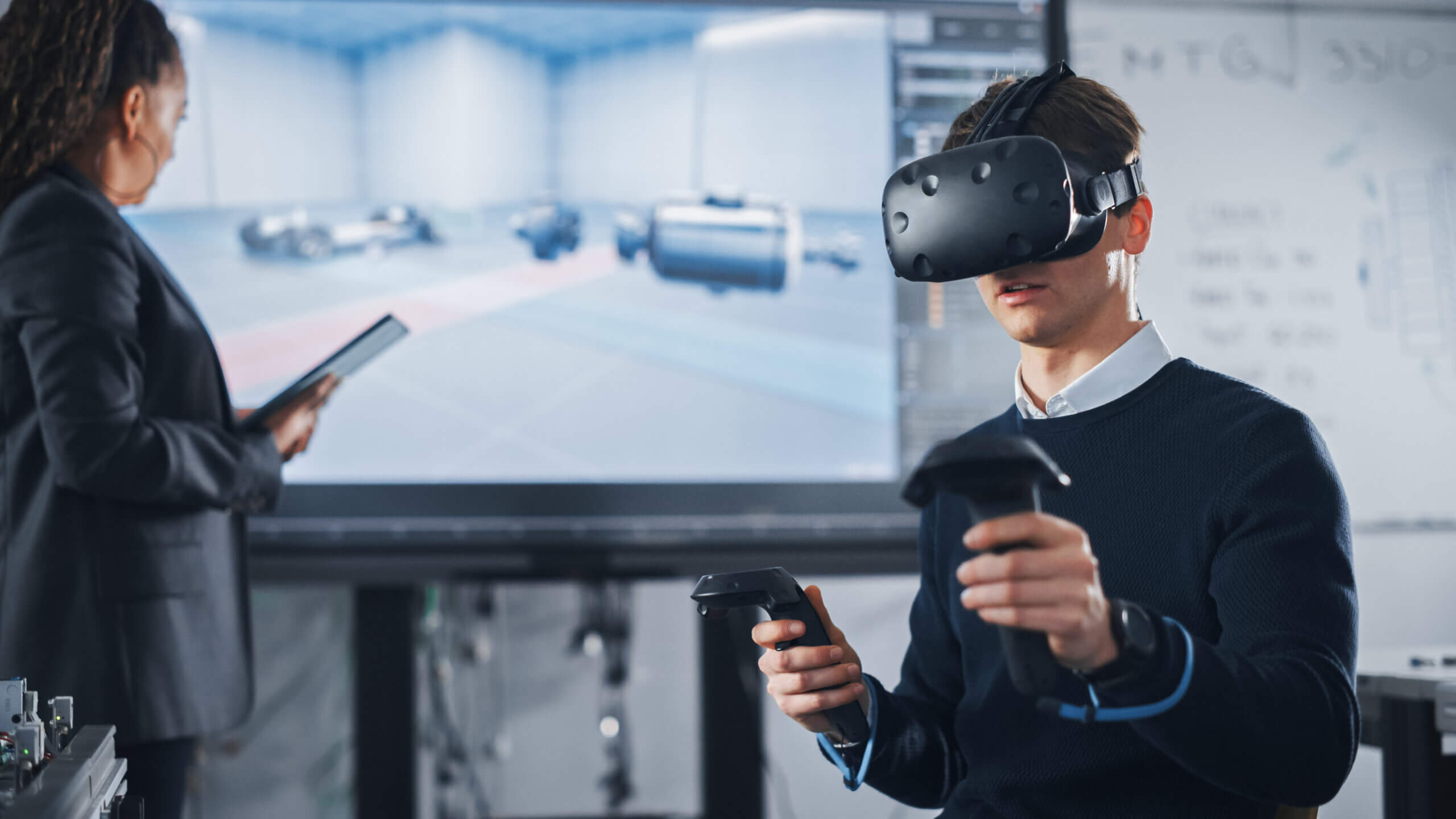
Key Performance Indicators
1. Frames Per Second (FPS)
FPS is a core metric for the smoothness of VR games. Generally, VR games need to maintain at least 90 frames per second to ensure fluid visuals and minimize the risk of motion sickness. A lower FPS can lead to stuttering graphics, significantly impacting user experience.
2. Latency
Latency refers to the time taken for a user's action to be reflected on-screen. In VR, an ideal latency should be below 20 milliseconds, with some sensitive users preferring it to be under 15 milliseconds. High latency can cause a disconnect between user actions and visual feedback, leading to discomfort.
3. Resolution
Resolution directly affects image clarity and detail presentation. Higher resolutions can provide sharper visuals, enhancing the immersive experience for users. Currently, mainstream VR headsets typically offer resolutions ranging from 1080p to 4K.
4. Refresh Rate
Refresh rate indicates how many times per second the screen updates its image, measured in hertz (Hz). A higher refresh rate can reduce screen flicker and jitter, improving visual comfort. Most VR devices are set at refresh rates of 90Hz or higher.

5. Resource Consumption
CPU and GPU Usage: Monitoring CPU and GPU loads during gameplay ensures these components can handle the computational demands of the game.
Memory Usage: Ensuring that the game operates within device memory limits helps avoid crashes or lagging issues.
6. Scene Complexity
Testing performance under varying levels of scene complexity is crucial for assessing how well the system performs under heavy loads. This is vital for optimizing game performance.
Conclusion
By thoroughly testing these key performance indicators, VR product manufacturers can ensure their products remain competitive in the market while providing users with an exceptional immersive experience. Moving forward, we will continue to focus on technological innovation and optimization to meet the evolving demands of the market and user expectations. We hope this article provides you with deeper insights into the performance testing of VR games, enabling you to choose the best VR products suited to your needs.


Guangzhou Skyfun Technology Co.,Ltd is a producing & marketing management site co- integrated industrial company which specialized in VR Arcade(Game Machine) products.
Feel Free To Contact Us
E-mail: sunnyzhang@skyfungame.com
Telephone: +86 18127818571
WhatsApp: +86 18127818571
Address:15th floor,3# building, Aoyuan, Wanbo 1st Road, Panyu District,Guangzhou
No.9,BangJiang East Village Section, Fuyi Road, Panyu District,,Guangzhou City